Before sharing an n8n workflow: where is the secret?
A workflow export can contain more than nodes. Credential names, imported cURL headers and sample data deserve their own review. Explore four sharing paths before sending your example.
Checking local voices…
In brief
A workflow export can contain more than nodes. Credential names, imported cURL headers and sample data deserve their own review. Explore four sharing paths before sending your example.
On this page
Sharing a workflow JSON file is often the quickest way to explain an automation. The recipient can inspect the nodes, import the example and connect their own account. A working file, however, has not necessarily been prepared for public sharing. This article offers a review approach for personal n8n examples. The aim is to make data and permission boundaries visible, using a small demonstration rather than claiming to certify a complete system.
A reference is different from a secret
A credential record identifier is not necessarily the value that grants access. That distinction still does not make every reference suitable for publication. n8n documents that exported workflows can contain credential names and IDs. A descriptive name might reveal a customer or production environment even when no password is present. Inspect what the field does before deciding whether it belongs in the sharing copy.
For example, “demo-http-credential” explains the role without naming a real customer’s payment account. Renaming the reference does not automatically remove the underlying connection or a separately embedded header. Review each field according to its function. A reference to a protected record and a directly usable access value are different findings; recording the distinction makes the next action clearer.
Review headers imported from cURL
If you imported an API example from a cURL command, inspect the HTTP Request node’s headers separately. n8n’s documentation specifically warns that nodes created this way may contain authentication headers. Authorization, custom API headers or token-like body fields may sit somewhere different from your usual credential configuration. Using a credential in one node does not prove that every node follows the same pattern.
List what the recipient actually needs: the method, the general address format, an example body and an expected response. Remove usable access values from the sharing copy, then explain where the recipient should connect their own credential. Moving a real key into the instructions defeats the purpose of removing it from the node. Review example commands and error screenshots as part of the same package.
Experiment: Before sharing an n8n workflow
A safe simulation. No real requests, messages or payments; choices stay on this page.
Uses only the fixed, invalid DEMO-NOT-A-KEY value. Do not enter real credentials.
Authorization: Bearer DEMO-NOT-A-KEY
Your selected settings and server-recomputed result download with the article. Your choices are not saved to the database.
URLs and logs create additional copies
Using a secret in a request and placing it in a URL query create different exposure paths. Addresses can travel into browser history, server records and copied links. Logs are useful for diagnosis, but they should not be treated as a permanent private vault. Avoiding unnecessary collection is easier to manage than locating every copy after an accidental disclosure.
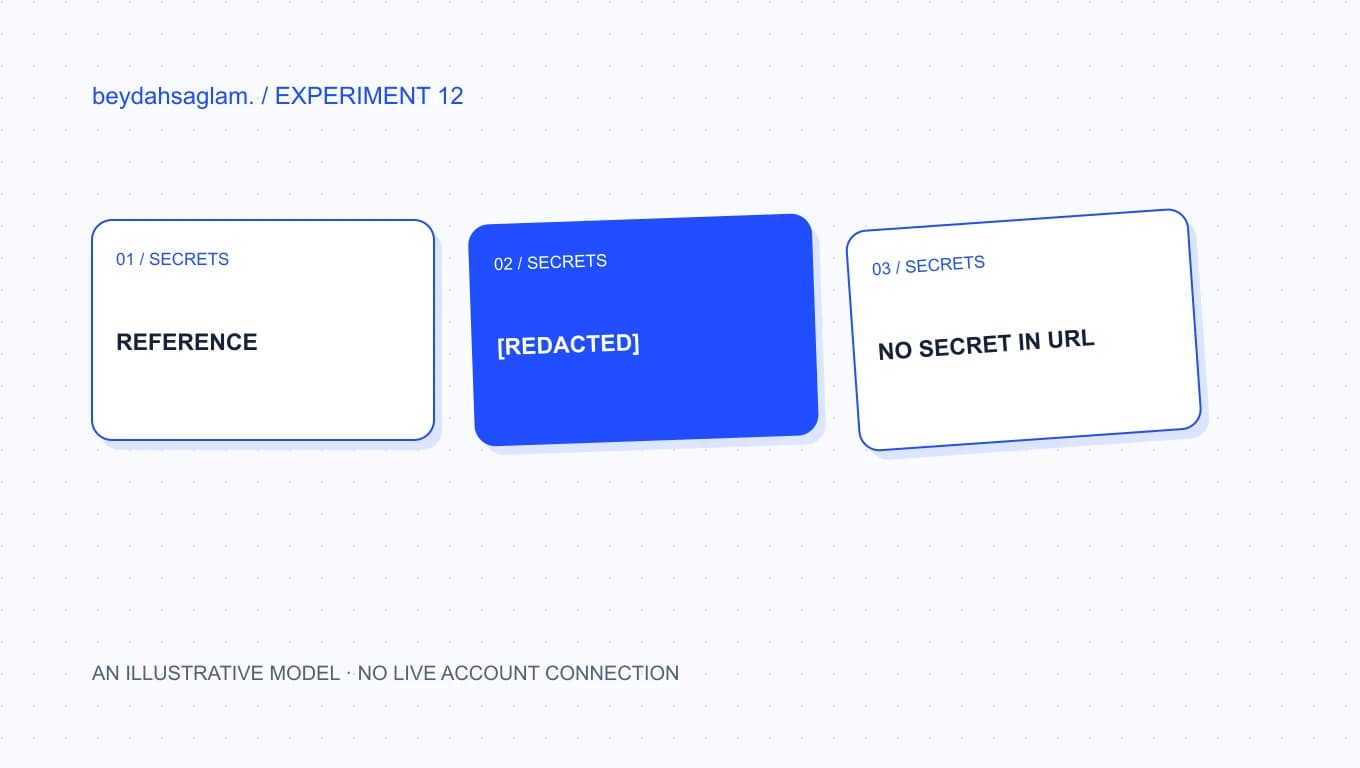
The experiment shows the same fake value in a header, log, URL and credential reference. Turning on log redaction changes that particular display; it does not clean a value already placed in the URL. A positive result means only that a specific exposure path is absent in this narrow model. A real Authorization header still requires the correct destination, appropriate transport and a justified permission scope.
Outputs and screenshots belong to the package
The shared material may include more than JSON. Sample responses, pinned data, error messages and recordings can carry personal or account-related details. Open the sharing package and inspect everything the recipient will see. Cleaning one file while leaving an old value in the explanatory screenshot produces an incomplete result. Searching helps, but understanding the context remains necessary.
Artificial data works best when it preserves the structure of the example. Use an example-domain address instead of a real recipient and an explicitly fake token instead of a plausible live value. Explain which fields must be replaced. Document a test route that does not contact a real customer. An educational example should demonstrate its behavior without depending on an unintended external effect.
Import the cleaned copy again
Finish by opening your prepared file in a clean test environment. Does the missing credential appear where expected? Is the sample body understandable? Can the resulting error output be shared safely? This pass checks whether cleaning the example also removed something required to understand it. A dated scope note helps future readers see which conditions were actually tested.
If a real key was exposed, treat it as more than an editing task. Follow the provider’s revocation and replacement process; removing the text does not disable copies that already exist. The experiment’s PDF is a design note, not a security certificate. Reviewing one complete sharing copy and recording findings against specific fields is a useful first step before creating a wider publication workflow.
Source
Frequently asked questions
Does an n8n export always remove real keys?
Do not make that blanket promise. The n8n documentation says exported JSON contains credential names and IDs, and HTTP Request nodes imported from cURL may contain authentication headers. Inspect the actual file and node configuration rather than relying on a general assumption.
Why might a credential name matter?
A name may identify a customer, account, organization or production environment. It is not necessarily a password, but it can reveal a relationship that should remain private. Use a descriptive demonstration name without tying a public example to a real account.
What if a real key has already been published?
Use the provider’s revocation and replacement process, then review relevant usage records. Editing the visible file cannot recall downloaded or cached copies. Keep the replacement out of the same public channel and confirm that the application uses the intended new value.
Should I enter my own key in this experiment?
No. The experiment never asks for a real secret. It uses the fixed DEMO-NOT-A-KEY string so you can explore the effect of each sharing path. A positive result in this small model is not a security assessment of your real system.
How can I demonstrate that the shared example works?
Use an isolated test credential reference, artificial records and a non-delivering recipient. Import the cleaned copy and document the variables and expected outcome. Review screenshots too: node settings, outputs and browser headers may reveal information beyond the exported file.